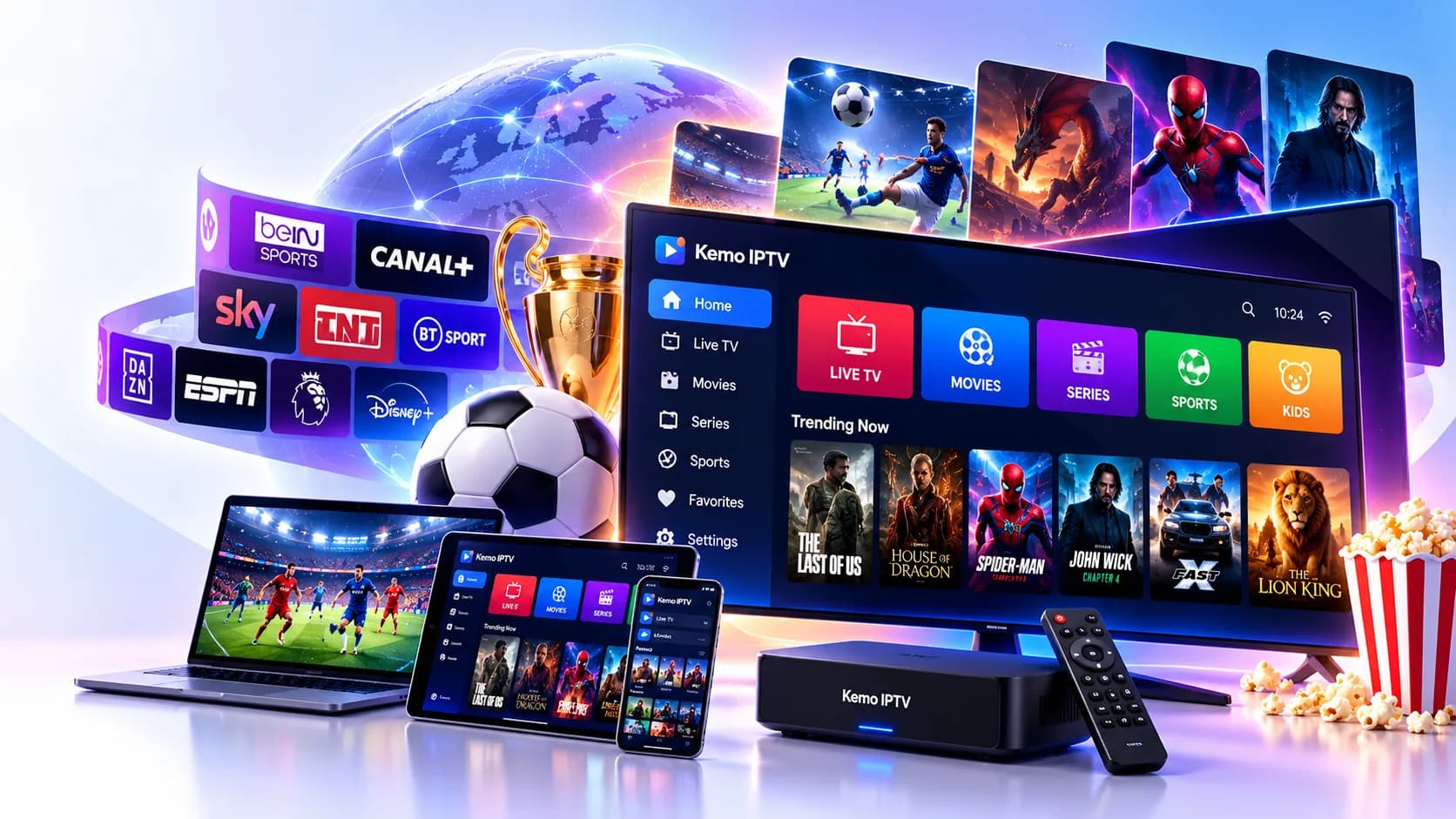
Kemo IPTV Online — 34,000+ Channels & 220K Films and Series
Kemo IPTV streams live TV from around the world, sport and box sets to your Firestick, Smart TV or phone, in any country, over normal broadband. Packages start at $13, and you can try it free for 24 hours first.
Kemo IPTV is an internet TV subscription with 34,000+ live channels and 220,000+ films and series, streamed in 4K / FHD / HD. It costs from $13 a month or $69 a year, includes a TV guide and catch-up, works on almost any screen and comes with a 24-hour free trial and a 7-day refund.
Kemo IPTV key facts
Live channels
34,000+ (UK, USA, Canada, Europe, Arabic, Asian, African, Latin & more)
Films & series on demand
220,000+ (160,000+ films, 60,000+ series)
Picture quality
4K / FHD / HD
TV guide & catch-up
Yes — EPG on live channels, catch-up on supported channels
Price from
$13 for 1 month · $69 for 12 months (≈ $5.75/month)
Free trial
24 hours, no card needed
Refund
7-day refund promise
Screens
1 to 5 at the same time
Devices
Firestick, Smart TVs, Android, Apple, PC, Mac, MAG, Formuler, Xbox
Activation
Instant — login details usually arrive within minutes of payment
Support
24/7 on WhatsApp, Telegram and email
Where it works
Worldwide: any country with a stable internet connection
Where it works
Worldwide: any country with a stable internet connection
Who is Kemo IPTV for?
Households tired of satellite or cable bills that rise every year at renewal.
Football and boxing fans who want every big fixture without stacking up subscriptions.
Families who want kids' channels on the tablet and the match on the big TV at once.
Expats and families abroad who want TV from home, wherever they live in the world.
Anyone who'd like to try before they buy — the trial costs nothing.
A subscription costs $13 for one month on one screen, and $69 for twelve months — about $5.75 a month. Pick how many devices will watch at the same time, then choose the length; every package includes all channels and the full film and series library.
Not sure yet? Try 24 hours free — no payment details needed. All plans include a 7-day money-back guarantee.
Not sure which length to pick? Most people start with the free trial, then choose 12 months because the price per month is the lowest. If you only want to cover a football season or a long holiday, 3 or 6 months works nicely. Full details, including what's in every package, are on the Kemo IPTV plans page.
How it works
How do I get started?
You can be watching in three simple steps: choose a package, pay with the secure link we email you, then type your login into an IPTV app on your TV, stick or phone. There's no engineer, no dish and no contract — most people are set up within about fifteen minutes of ordering.
1
Pick your package
Choose 1, 3, 6 or 12 months and how many screens you need. Fill in a short form — it takes under a minute.
2
Get your login
Pay with the secure link we email you. Your Kemo IPTV details — Xtream login and M3U link — follow straight after.
3
Press play
Add the login to an IPTV app using our step-by-step guide for your device, and you're watching. Stuck? We're on WhatsApp day and night.
Every device has its own illustrated guide — from the Firestick setup guide to Samsung Smart TVs and MAG boxes. If you get stuck, send a photo of your screen on WhatsApp and we'll talk you through it.
Live sport
Can I watch live football and sport on Kemo IPTV?
Yes — sport is the busiest part of the service. You get football from the English and Scottish leagues and European competitions, fight-night channels for boxing and UFC, cricket, rugby, F1, racing, golf, tennis, darts and the big American leagues, with fixtures listed in the TV guide so you can find kick-off in seconds.
⚽
Football
English and Scottish league football, cup ties, European club nights and international fixtures, plus highlights and preview shows.
🥊
Boxing & UFC
Fight-night channels go live for the big boxing and MMA cards, usually with the full undercard beforehand.
🏏
Cricket
Test matches, one-day internationals and T20 leagues from England, India, Australia and beyond — handy for early-morning tours.
🏉
Rugby
Rugby union and league, from domestic leagues to the international championships each spring and autumn.
🏎️
F1 & motorsport
Formula 1 practice, qualifying and race day, plus MotoGP, IndyCar and touring cars on dedicated motorsport channels.
🏇
Horse racing
Daily racing channels covering UK and Irish meetings, with the big festivals live all week.
Match day is when a stable picture matters most. We keep dedicated sport channels in FHD and 4K where available, and our match-day setup tips explain the small changes — a network cable, the right decoder, a restart before kick-off — that make the biggest difference to buffering.
Channels
Which channels does Kemo IPTV have?
There are 34,000+ live channels, organised into groups in your app: entertainment, sport, news, kids, documentaries and film channels from the UK, Ireland, the USA, Canada, Europe, the Middle East, Asia, Africa and Latin America. You can hide any group you don't watch, so the guide stays short and quick to scroll.
UK entertainment
The familiar British channels for soaps, quiz shows, drama and Saturday-night telly, plus their regional and +1 versions.
UK & Irish sport
The biggest group in the list: football, boxing, cricket, rugby, racing and golf, with event-only channels added on fight and match nights.
News & business
Rolling UK and world news, parliament coverage and business channels, so you can follow a story as it breaks.
Kids & family
Cartoons, pre-school shows and family films, grouped together so you can lock adult sections in most apps.
Documentaries & factual
Nature, history, science, true crime and engineering channels — ideal for a quiet evening in.
Film channels
Linear movie channels running back-to-back films, from classics to recent releases, alongside the on-demand library.
Every package includes 220,000+ on-demand titles — around 160,000+ films and 60,000+ series — at no extra cost. You'll find new cinema releases, complete box sets, drama and comedy, kids' films and world cinema, all ready to pause, rewind and resume from the Films and Series sections of your app.
New releases
Recent cinema releases added as they become available.
Box sets
Complete seasons of popular series to binge at your own pace.
British drama & comedy
Crime dramas, period pieces and sitcoms made in the UK.
Family & animation
Animated features and family favourites for weekend afternoons.
Action & thriller
Car chases, heists and edge-of-your-seat thrillers.
Documentaries
Feature documentaries on sport, music, nature and true crime.
World cinema
Bollywood, European, Turkish and Arabic films in original language.
Why do people switch from Sky, Virgin Media or cable to Kemo IPTV?
Most people switch to cut costs and lose the contract. A satellite or cable bundle with sport and films often runs to £40–£100 or more a month on an 18–24 month term, while Kemo IPTV is $69 for a whole year with no dish, no engineer and no box rental — and you keep your broadband.
Kemo IPTV compared with satellite or cable TV and streaming bundles
Kemo IPTV
Satellite / cable TV
Streaming bundles
Typical cost
$13/month, or $69 for a year
Often £40–£100+ a month with sport and films
£5–£20 per service, adding up across several
Minimum contract
None — pay per term
Usually 18–24 months
Monthly
Live channels from around the world
34,000+
Hundreds, depending on the bundle
Few or none
Films & series library
220,000+
Included with some tiers
One catalogue per service
Dish, engineer or box rental
No
Yes
No
Use on phone, TV & laptop
Yes
Extra fee or app limits
Yes
Free trial before paying
24 hours
No
Sometimes
Satellite, cable and streaming figures are typical UK ranges at the time of writing (other countries differ) (other countries differ) and vary by provider, bundle and promotion.
What you gain
One login that works on every TV, phone and laptop in the house; a far bigger international channel list; a film and series library on top; and the freedom to stop at the end of any term. It's also simple to take on holiday — all you need is Wi-Fi.
Yes. It works on Amazon Firestick and Fire TV, Samsung, LG, Hisense and Sony Smart TVs, Android TV boxes, Nvidia Shield, Apple TV, iPhone, iPad, Android phones, Windows PCs, Macs, MAG and Formuler boxes and Xbox. You install a free or low-cost IPTV player app, enter your login, and our guides show every click.
Here are the ten questions we're asked most often, from prices and the free trial to Firestick setup, broadband speed and refunds. Each answer is short and to the point; you'll find more than twenty-five more, grouped by topic, on the full questions and answers page.
What is Kemo IPTV?
Kemo IPTV is an internet TV subscription that streams 34,000+ live channels and 220,000+ films and series to your TV, phone or computer over broadband. There is no dish, no box to rent and no installer visit. You get a login, add it to an IPTV player app on your device and start watching, usually within minutes of ordering.
How much does Kemo IPTV cost?
Kemo IPTV starts at $13 for one month on one screen. The 12-month package costs $69, which works out at about $5.75 a month. Three- and six-month packages sit in between, and you can add up to 5 screens. Prices are charged in US dollars; your bank converts to your local currency at its own rate.
Is there a Kemo IPTV free trial?
Yes. You can test Kemo IPTV free for 24 hours on one device. Fill in the trial form with your name, email, WhatsApp number and device — no card or payment details are asked for. Our team sends your trial login on WhatsApp or by email, so you can check channels, picture quality and the TV guide before you buy.
Does Kemo IPTV work on Firestick?
Yes, the Amazon Firestick is one of the most popular ways to watch Kemo IPTV around the world. You install an IPTV player app such as IPTV Smarters or TiviMate through the Downloader app, then enter the login we send you. Our Firestick guide walks through every click, and the whole setup normally takes about ten minutes.
How many channels does Kemo IPTV have?
Kemo IPTV carries 34,000+ live channels. That includes UK, Irish, US and Canadian sections, European, Arabic, South Asian, African and Latin American groups, and sport, news, kids and documentary channels in many languages. Channels are sorted into categories inside your player app, so you can hide the groups you never watch.
Can I watch live football and sport on Kemo IPTV?
Yes. Sport is one of the biggest parts of the Kemo IPTV line-up, with dedicated sport channels covering football, boxing and UFC events, cricket, rugby, F1 and motorsport, golf, tennis and US sports. Major events are also listed in the TV guide. For match days, a wired connection or strong 5 GHz Wi-Fi gives the smoothest picture.
What internet speed do I need for Kemo IPTV?
Aim for at least 10 Mbps for HD, 25 Mbps for Full HD on several screens and 30–50 Mbps for 4K. More important than the headline figure is a stable connection, so plug your TV or box into the router with a cable, or use 5 GHz Wi-Fi close to the router, especially on busy football evenings.
What is the Kemo IPTV refund policy?
Every paid package comes with a 7-day refund promise. If the service does not work properly for you within 7 days of activation and our support team cannot fix it, message us and ask for a refund. Full conditions are on the refund policy page, including what counts as a valid reason and how long the money takes to return.
Which devices are supported?
Kemo IPTV works on Amazon Firestick and Fire TV, Android TV and Google TV boxes, Nvidia Shield, Samsung, LG, Hisense and Sony TVs, Apple TV, iPhone and iPad, Android phones and tablets, Windows PCs, Macs, MAG boxes, Formuler boxes and Xbox. Roku and PS5 are possible with workarounds, explained in their guides.
How do I contact Kemo IPTV support?
The quickest way is WhatsApp, on either of our two lines, or Telegram — both are staffed 24 hours a day, 7 days a week. You can also use the contact form or email us. When you message, include your order number or trial email and your device, and a photo of any error, so we can help straight away.